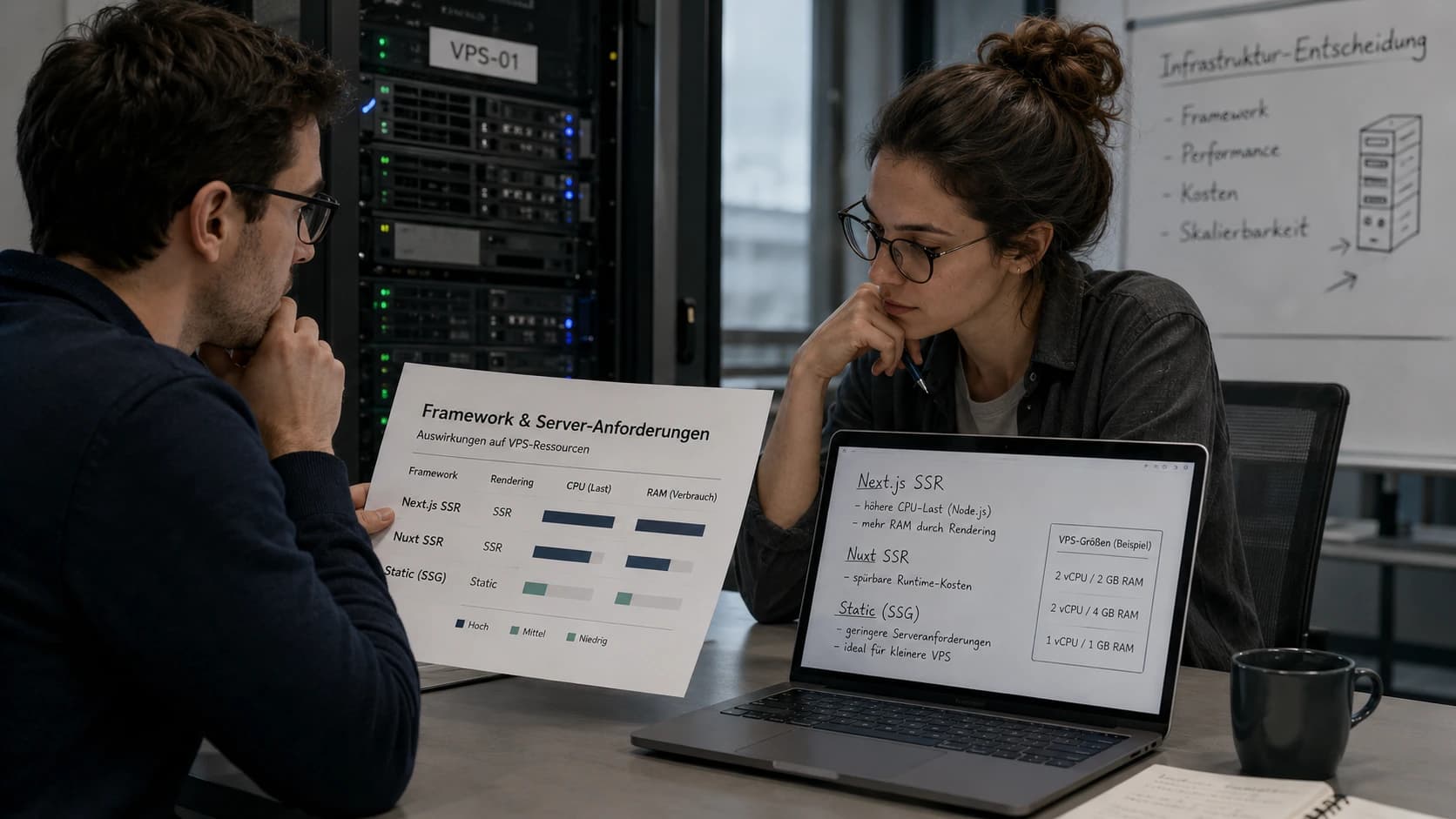
A recent r/ollama thread asked: "I want to host Gemma 4 31B for 10 concurrent users – what server should I build for under $15,000?" The answers: used RTX 3090s, workstation GPUs, Mac Studios, EPYC boards. All legitimate – but almost everyone skipped the two questions that come before the hardware:
- Do you really need the largest model? Gemma 4 also ships as an MoE variant that needs a fraction of the compute.
- Do you need to own hardware at all? $15,000 rents you a GPU server for years – with no power bills, failure risk, or depreciation.
This guide answers both: which model runs on which server (from a €9 VPS to a GPU dedicated box), what "10 concurrent users" actually means, and when buying beats renting.
Which server for your model?
Our Ollama calculator translates model size, context and user count into concrete server specs.
Open the Ollama VPS calculatorThe Short Answer
| Your scenario | Recommendation | Cost range |
|---|---|---|
| Just trying it out, personal, 1 user | 8 GB VPS + compact model (Gemma 4 E4B, Llama 3.2 3B) | under €10/month |
| 1 user, chat & automation | 16 GB VPS + MoE model (Gemma 4 E4B/12B, Qwen 3 8B) | from ~€10/month |
| Small team, occasional use | 32 GB VPS or dedicated + Gemma 4 26B-A4B | ~€20–50/month |
| 10 concurrent users, 30B class | Rent a GPU server + vLLM instead of Ollama | from ~€184/month excl. VAT |
| Buying $15,000 of hardware | Only with sustained full utilization over 1.5–2 years | €13,000+ upfront, plus power |
The details – and why the MoE row is the most interesting one – below.
What Determines Whether a Model Runs on Your Server?
Three factors, in this order:
1. RAM: Weights + Context + System
The rule of thumb for Q4-quantized models: ~0.6–0.7 GB of RAM per billion parameters, plus 2–4 GB for context (KV cache) and the system. An 8B model needs ~6 GB for the weights and fits on an 8 GB VPS – barely. With 16 GB you have headroom for longer contexts and Docker alongside.
Important: with multiple concurrent users, the KV cache grows per active request. Planning for 10 parallel sessions at 8K context each? That alone eats several extra GB.
2. Memory Bandwidth, Not Cores
CPU inference is almost always limited by RAM bandwidth, not raw compute. That's why going from 4 to 8 vCPUs helps more than 8 to 16, and why dedicated cores (Hetzner CCX, Netcup RS) are noticeably faster than shared ones. AVX2 support is mandatory – standard with every current provider.
3. Quantization: Q4 Is the Sweet Spot
Q4_K_M halves RAM usage versus Q8 with minimal quality loss. For CPU self-hosting there's rarely a reason to pick anything else.
The MoE Turning Point: Why More Runs on CPU in 2026 Than Ever
The biggest shift since our Ollama setup guide: Mixture-of-Experts (MoE) models. An MoE model has many parameters but activates only a small subset per token.
The prime example is exactly the model from the Reddit thread – or rather its smaller sibling:
| Gemma 4 model | Architecture | RAM (Q4) | Speed equivalent |
|---|---|---|---|
| E2B | Dense | ~4 GB | 2B model |
| E4B | Dense | ~6 GB | 4B model |
| 12B | Dense | ~8 GB | 12B model |
| 26B-A4B | MoE, 4B active | ~16–18 GB | ~4B model |
| 31B | Dense | ~20 GB RAM / ~24 GB VRAM | 31B model |
Gemma 4 26B-A4B has 26 billion parameters but computes with only 4 billion per token. Result: it needs the RAM of a 26B model but runs almost as fast as a 4B model. On a 32 GB VPS with 8 dedicated vCPUs, double-digit tokens/s on pure CPU are realistic – a level of performance that would require a GPU with a dense 26B model.
The same principle powers Qwen 3 30B-A3B (3B active) and gpt-oss-20b (~3.6B active, runs from 16 GB). If you're hosting an LLM on CPU hardware in 2026, check the MoE models first.
The dense Gemma 4 31B from the Reddit thread is stronger – but the gap to the 26B-A4B is smaller than the price gap between the hardware each one needs. That's the question nobody in the thread asked.
Model Matrix: What Runs on Which Server?
| Server | RAM | Models (Q4) | CPU expectation |
|---|---|---|---|
| VPS from ~€9 | 8 GB | Llama 3.2 3B, Gemma 4 E2B/E4B, Mistral 7B | 5–15 t/s, 1 user |
| VPS from ~€12 | 16 GB | Llama 3.1 8B, Gemma 4 12B, gpt-oss-20b, Qwen 3 14B | 8–20 t/s, 1–3 users |
| VPS/dedicated from ~€25 | 32 GB | Gemma 4 26B-A4B, Qwen 3 30B-A3B, Mistral Small 24B | MoE: 10–25 t/s · dense 24B: 2–5 t/s |
| Dedicated from ~€60 | 64 GB+ | Llama 3.3 70B (Q4), Gemma 4 31B | 1–4 t/s – batch jobs only |
| GPU server (from ~€184/month excl. VAT) | 20–96 GB VRAM | Gemma 4 31B, 70B class, everything below | 30–80+ t/s, multiple users |
The t/s figures are field values for modern dedicated cores; shared vCPUs and slow RAM land below them. For reference: comfortable reading speed is about 5–7 t/s – anything above that feels "instant".
| Anbieter | Produkt | vCPU | RAM | Storage | Preis/Mo | |
|---|---|---|---|---|---|---|
 | VPS S+ | 2 | 2 GB | 90 GBNVMe SSD | 4.00 | Angebot |
 | VPS 500 G12 | 2 | 4 GB | 128 GBSSD | 5.91 | Angebot |
 | AX41 | 6 | 64 GB | 37952 GBNVMe SSD | 70.20 | Angebot |
 | AMD Ryzen 12 Cores | 12 | 64 GB | 1000 GBNVMe SSD | 159.58 | Angebot |
"10 Concurrent Users" – the Part Almost Everyone Underestimates
A model that feels snappy for one user can become unusable at ten parallel requests. The reason is less the hardware than the serving software:
Ollama processes requests essentially sequentially (FIFO queue). Ten concurrent requests means user 10 waits until 1–9 are done. In benchmarks, aggregate throughput at ~10 parallel requests stays near single-user level (~150 t/s aggregated on a datacenter GPU), and time-to-first-token climbs to multiple seconds.
vLLM uses continuous batching: new requests are woven into the running batch. Same hardware, same model class: ~485 t/s aggregated at 10 parallel requests – roughly three times as much, with time-to-first-token in the millisecond range.
The practical rule:
- Up to ~5 concurrent users: Ollama is fine; simplicity wins.
- From ~5 concurrent users: vLLM (or llama.cpp server with parallel decoding) – anything else wastes your hardware.
- 10 users on pure CPU: only realistic with small MoE models and modest expectations. A CPU server's aggregate throughput is shared across all active requests – at 15 t/s total and 3 simultaneously active chats, each gets ~5 t/s. For 10 genuinely parallel chats in the 30B class, there's no way around a GPU.
One more thing for your RAM budget: every active session holds its own KV cache. 10 sessions × 8K context can occupy an extra 5–15 GB depending on the model. That's why "works on my laptop" and "works for my team" are two different servers.
The $15,000 Question: Buy or Rent?
Back to the Reddit thread. $15,000 is roughly €13,000. What does that buy compared to renting?
Renting (Hetzner example, prices excl. VAT):
| Server | GPU | VRAM | Monthly (net) |
|---|---|---|---|
| GEX44 | RTX 4000 SFF Ada | 20 GB | ~€184 |
| GEX130 | RTX 6000 Ada | 48 GB | ~€838 |
| GEX131 | RTX PRO 6000 Blackwell | 96 GB | ~€889 |
For Gemma 4 31B (Q4, ~24 GB VRAM incl. context) plus batching headroom for 10 users, the 48 GB class is the right fit. The sober math:
- €13,000 purchase budget ÷ €838/month ≈ 15 months of rent equivalent.
- Self-hosting adds electricity: a dual-GPU server under load easily draws 500+ W – at 24/7 operation that's a triple-digit monthly bill in much of Europe. The real break-even moves toward 2 years and beyond.
- Add failure risk without an SLA, depreciation (today's $15,000 build is 2028's used listing), and the fact that VRAM requirements grow with every model generation.
Buying wins when the hardware runs at sustained full utilization, power is cheap (or already paid for), and data sovereignty down to the metal is required. For everyone else, renting is the more flexible math – cancellable the moment the next MoE model halves the GPU requirement.
And the most honest answer to the thread: pick the 26B-A4B instead of the dense 31B and you need neither $15,000 nor a GPU server – a dedicated server with plenty of RAM running vLLM on CPU carries small teams, and a single 20 GB GPU server (from ~€184/month excl. VAT) turns that into a fast multi-user setup.
Recommendations by Scenario
Personal starter: your own chatbot under €10/month. An 8 GB VPS with Ollama and Gemma 4 E4B or Llama 3.2 3B covers personal chats, text summaries and first n8n experiments – and shares the server with a password manager or VPN. Honest limits: more compact answers, short contexts, one user. As a way to find out whether self-hosting is for you, it's the cheapest entry.
Solo: chat, n8n workflows, coding assistant. 16 GB VPS with dedicated cores, Ollama, Gemma 4 12B or gpt-oss-20b. Set up in 30 minutes with our Ollama guide. From ~€10–15/month.
Small team (3–10 users, not all at once). 32 GB server (VPS with dedicated cores or an affordable dedicated box), vLLM or llama.cpp server, Gemma 4 26B-A4B or Qwen 3 30B-A3B. Realistically: short waits at peak times, at ~€30–60/month instead of GPU prices.
10+ genuinely parallel users, production. Rent a GPU server, run vLLM, pick the model by VRAM: 20 GB covers the 12B/26B-A4B class with batching, 48 GB covers 31B dense with headroom. Only think about buying once that rent is reliably utilized for 1.5–2 years.
Privacy as the main motive. All three tiers keep prompts and data on your server – no US cloud provider as a data processor. Your application's own GDPR duties (legal basis, deletion policy) remain unaffected.
Conclusion
The Reddit question "which $15,000 server should I build?" has a better answer than any parts list: pick the model first (check MoE!), estimate concurrency honestly, then rent until utilization proves you should buy. For most setups between hobby and small team, the answer isn't $15,000 – it's between €10 and €60 a month.
Frequently Asked Questions
Does Gemma 4 31B run on a CPU-only VPS?
How many concurrent users can a CPU VPS handle?
Ollama or vLLM?
What does a rented GPU server for LLMs cost?
Is a self-hosted LLM GDPR-compliant?
More LLM and self-hosting guides

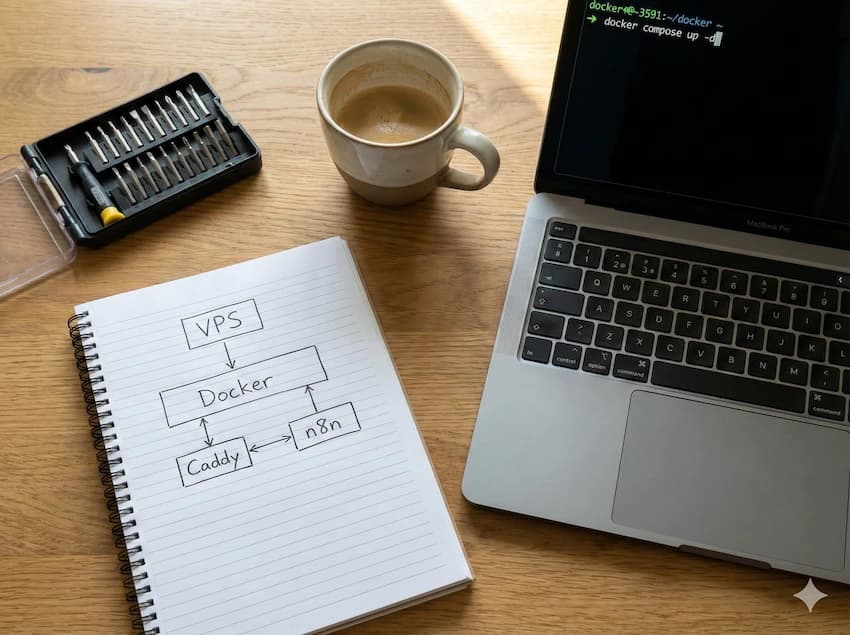
Find a server for your LLM
Compare VPS and dedicated servers by RAM, dedicated cores and price – always sorted by price, never by commission.
Compare servers with 16+ GB RAM