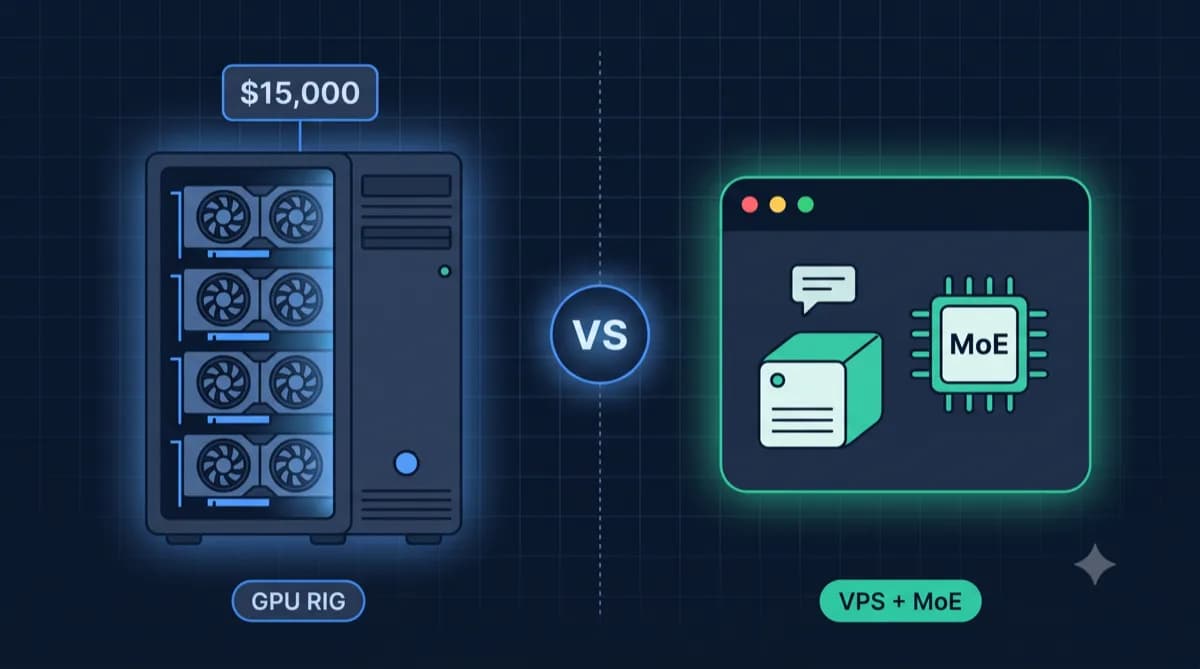
Why Ollama Instead of ChatGPT Plus?
ChatGPT Plus, Claude Pro, GitHub Copilot – each of these subscriptions has a fixed monthly fee, together quickly a high double-digit amount for AI tools. And your data ends up with US corporations.
With Ollama on your own VPS you get: Unlimited usage at the fixed price of the server rent, full GDPR compliance with German hosting, and the ability to process sensitive data without sending it to OpenAI or Anthropic.
The sweet spot for most use cases: Llama 3.2 8B or Qwen 2.5 Coder 7B. These models are sufficient for 90% of everyday tasks and run smoothly on a 16GB VPS.
Hardware Requirements by Model
RAM requirements directly depend on model size and quantization. Rule of thumb: 1B parameters ≈ 1 GB RAM (at Q4 quantization).
For CPU inference, more cores are better. AVX2 support is mandatory for acceptable performance. GPU is nice-to-have but not necessary for most use cases.
| Model | Parameters | RAM (Q4) | Tokens/Sec (CPU) |
|---|---|---|---|
| Phi-3 / TinyLlama | 1-3B | 4-6 GB | ~50-80 |
| Llama 3.2 / Mistral | 7-8B | 8-10 GB | ~20-40 |
| Qwen 2.5 / CodeLlama | 13-14B | 16-18 GB | ~10-20 |
| Llama 3.1 70B | 70B (quantized) | 48+ GB | ~2-5 |
Our Recommendation
For Chat & Assistance with 7-8B models, a VPS with 8 GB RAM is sufficient, e.g. at IONOS or Contabo.
For Coding Assistants or larger models, plan for 16 GB RAM – look for providers with a lot of RAM for the money. Which plans currently offer this at the lowest price is shown in the live table on this page (prices incl. VAT, updated twice daily).
Pro tip: Use Continue.dev instead of Cline for more stable remote Ollama connections.