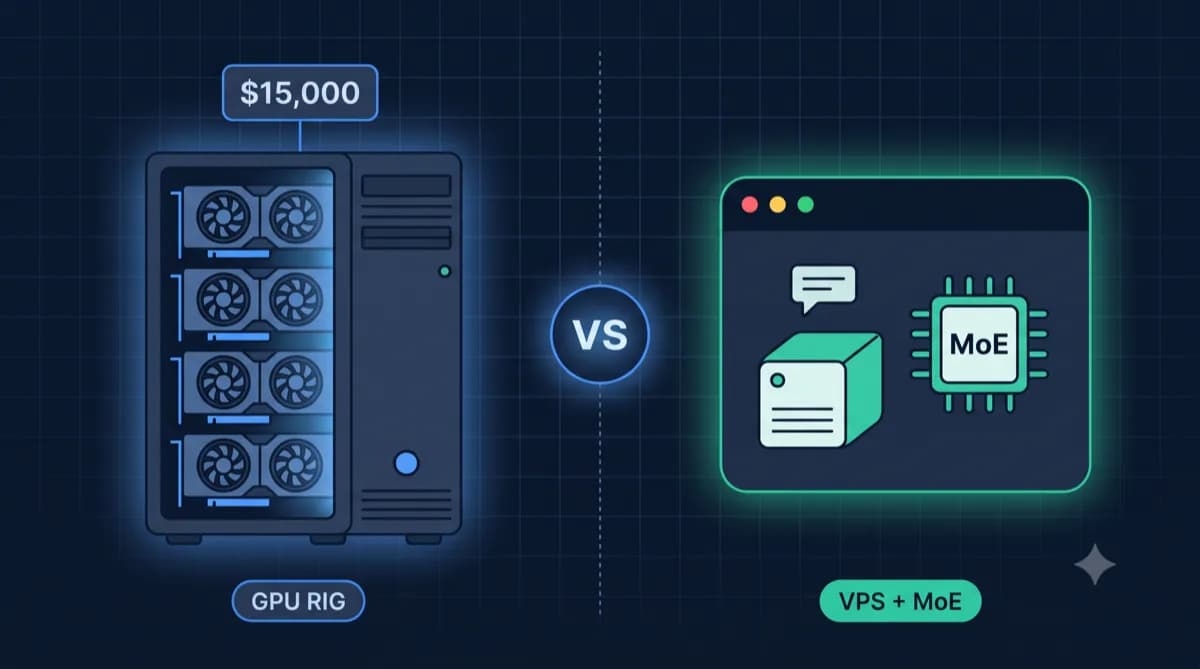
GitHub Codespaces charges $0.18 per core-hour. Sounds harmless — until the bill arrives: At 8 hours per day and 20 work days, that's $28.80 per month per developer. For a 2-core setup. Need 4 cores for TypeScript projects? Double the price to $57.60.
A VPS with code-server? From €4 per month. Unlimited hours, full VS Code extensions, root access. And your code stays on your server instead of on Microsoft Azure.
This guide covers the four best self-hosted cloud IDEs, how to install them in under 10 minutes, and when self-hosting makes financial sense.
Why Self-Host a Cloud IDE?
The Cost Problem
Cloud IDEs are convenient — but expensive. GitHub Codespaces starts with 120 free core-hours per month, but those are used up within days of full-time usage. After that, you pay per hour. Gitpod Classic was discontinued in October 2024; its successor Gitpod Flex is only available as a self-hosted solution, requiring your own infrastructure anyway. Replit costs $25/month for Pro features.
For a 5-person team, Codespaces quickly adds up to $150–300 per month — for something you can cover on a single VPS for €10–15.
Data Sovereignty and GDPR Compliance
For European developers and companies, there's another argument: With GitHub Codespaces, your code runs on Azure servers in the US. If you're working on client projects with personal data, this can be a GDPR problem.
With a self-hosted cloud IDE on a European VPS (Hetzner, IONOS, Netcup), your code stays in Germany. No data processing agreements with US clouds needed, no discussions with the data protection officer.
No Vendor Lock-in
You're not tied to any provider. Switch VPS providers? Done in an hour — copy Docker Compose, migrate data, update DNS. Migrate away from Codespaces? That takes days: rewriting dev container configurations, migrating secrets, adjusting team workflows.
The 4 Best Self-Hosted Cloud IDEs Compared
All four options are based on VS Code — the difference lies in multi-user support, management, and infrastructure complexity.
| Tool | Type | Multi-User | Min. VPS | Key Feature |
|---|---|---|---|---|
| code-server | VS Code in browser | No (single-user) | 2 GB RAM | Simplest, 5-minute setup |
| Coder | Workspace platform | Yes (templates + SSO) | 4+ GB RAM | Terraform templates, enterprise features |
| OpenVSCode Server | VS Code in browser | No | 1–2 GB RAM | Lightweight, by the Gitpod team |
| DevPod | Client-side tool | Yes (container-based) | 2+ GB per dev | No server daemon needed, SSH-based |
code-server
code-server by Coder Inc. is the simplest option: One Docker container, one password, VS Code in the browser. Installation takes 5 minutes. Perfect for solo developers who want to access their projects from anywhere — laptop, tablet, or someone else's computer.
Limitation: Only one user at a time. No workspace isolation for teams and no centralized management.
Coder
Coder is the enterprise solution. Each developer gets their own workspace from a Terraform template — reproducible, isolated, centrally managed. Coder supports OAuth/OIDC (GitHub, Google, Okta), has an admin dashboard, and a REST API for automation.
Coder requires PostgreSQL 13+ as backend database. Resource requirements are higher, but for teams of 3+ developers, centralized management justifies the overhead.
OpenVSCode Server
OpenVSCode Server by Gitpod is the leanest candidate: A single binary, ~1 GB RAM, no Docker needed. However, no multi-user support and no built-in authentication. You need a reverse proxy with basic auth or a VPN like Tailscale in front of it.
Ideal for developers who want maximum simplicity and handle security at the network layer.
DevPod
DevPod by Loft Labs takes a different approach: Instead of a central server, DevPod uses devcontainer.json files and launches workspaces via SSH on a VPS, in Docker, or on Kubernetes. The client runs locally, the workspace runs remotely.
Advantage: No running server daemon, workspaces start on-demand. Disadvantage: Higher resource usage per workspace (~2 GB RAM) and a slightly more complex setup.
Which VPS Is Enough? Hardware Requirements
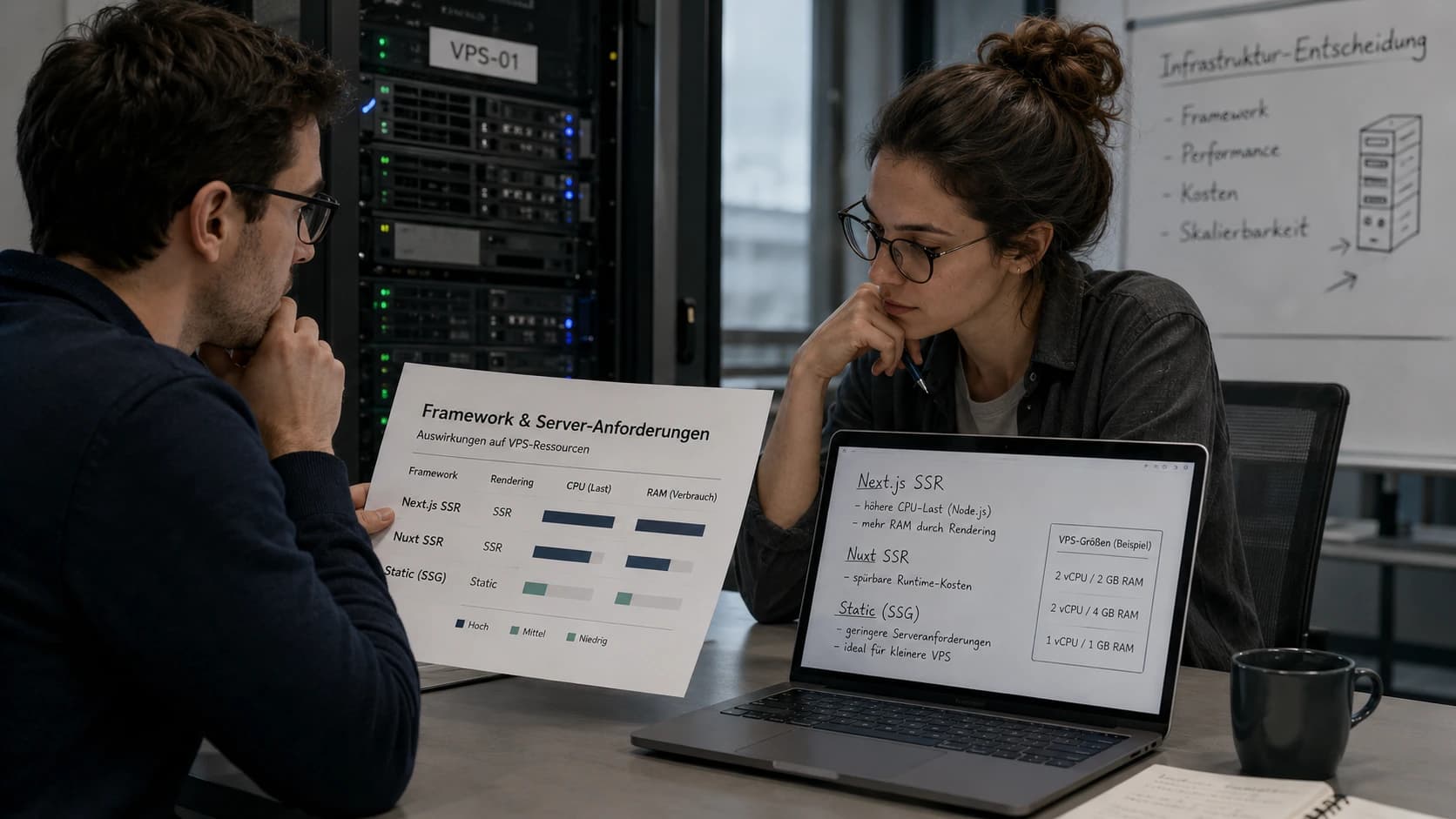
The IDE itself is lightweight — the load comes from language servers (TypeScript, Python, Go), linters, compilers, and Docker containers. Here's a reference:
| Scenario | RAM | CPU | Storage | Monthly Cost |
|---|---|---|---|---|
| Solo dev (code-server) | 4 GB | 2 vCPU | 40 GB NVMe | from ~€4 |
| 2–3 devs (Coder) | 8 GB | 2–4 vCPU | 80 GB NVMe | from ~€6 |
| Small team 5+ (Coder) | 16 GB | 4–8 vCPU | 160 GB NVMe | from ~€10 |
| DevPod (per workspace) | 2–4 GB | 1–2 vCPU | 20 GB | variable |
Important: NVMe SSD makes a noticeable difference in IDE responsiveness. Language servers constantly read from disk — on HDD or slow SSD, you feel it on every auto-complete.
Interactive Calculator
Run VS Code in the browser with code-server, Coder, or DevPod on your own VPS
Installation: code-server in 5 Minutes (Docker Compose)
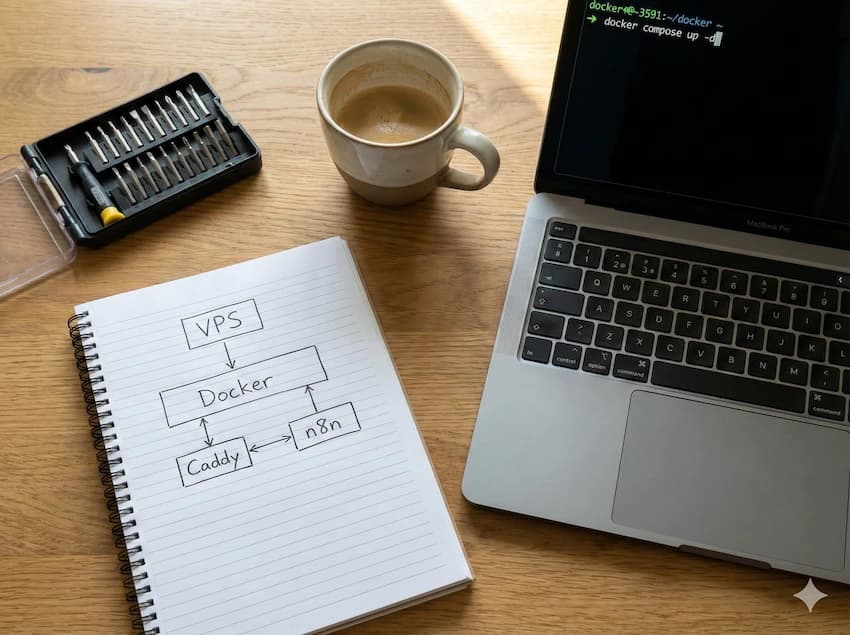
The simplest setup: code-server behind Caddy as reverse proxy with automatic HTTPS.
Prerequisites
- VPS with Ubuntu 22.04/24.04 and Docker installed
- Domain or subdomain (e.g., code.example.com) with DNS pointing to the VPS IP
Docker Compose
Create the file /opt/code-server/docker-compose.yml on the VPS:
services:
  code-server:
    image: codercom/code-server:latest
    container_name: code-server
    restart: unless-stopped
    environment:
      - PASSWORD=your-secure-password
    volumes:
      - code-data:/home/coder
    networks:
      - web

  caddy:
    image: caddy:2-alpine
    container_name: caddy
    restart: unless-stopped
    ports:
      - "80:80"
      - "443:443"
    volumes:
      - ./Caddyfile:/etc/caddy/Caddyfile
      - caddy-data:/data
    networks:
      - web

volumes:
  code-data:
  caddy-data:

networks:
  web:
Create the Caddyfile in the same directory:
code.example.com {
    reverse_proxy code-server:8080
}
Start it:
cd /opt/code-server
docker compose up -d
After 30 seconds, VS Code is available at https://code.example.com. Caddy automatically provisions a Let's Encrypt certificate.
Tip: For Docker workspaces inside code-server, mount the Docker socket: add
-v /var/run/docker.sock:/var/run/docker.sockto the code-server service.
Installation: Coder for Teams
Coder needs PostgreSQL as its database. This setup runs entirely in Docker Compose:
services:
  coder:
    image: ghcr.io/coder/coder:latest
    container_name: coder
    restart: unless-stopped
    environment:
      - CODER_ACCESS_URL=https://coder.example.com
      - CODER_PG_CONNECTION_URL=postgresql://coder:coder-password@db:5432/coder?sslmode=disable
    ports:
      - "3000:3000"
    volumes:
      - /var/run/docker.sock:/var/run/docker.sock
    depends_on:
      db:
        condition: service_healthy
    networks:
      - coder

  db:
    image: postgres:16-alpine
    container_name: coder-db
    restart: unless-stopped
    environment:
      - POSTGRES_USER=coder
      - POSTGRES_PASSWORD=coder-password
      - POSTGRES_DB=coder
    volumes:
      - coder-db:/var/lib/postgresql/data
    healthcheck:
      test: ["CMD-SHELL", "pg_isready -U coder"]
      interval: 5s
      timeout: 5s
      retries: 5
    networks:
      - coder

volumes:
  coder-db:

networks:
  coder:
After docker compose up -d, the Coder dashboard is available on port 3000. The first user automatically becomes admin.
Workspace Templates
Coder uses Terraform templates to define workspaces. Example for a Docker-based workspace:
coder templates create docker \
  --directory ./templates/docker
Each developer then gets an isolated workspace with preconfigured tools, extensions, and git credentials — with a single click from the dashboard.
Note: For HTTPS in front of Coder, set up a reverse proxy (Caddy or Traefik). The
CODER_ACCESS_URLmust point to the public URL.
Cost Comparison: Self-Hosted vs. Codespaces vs. Replit
Monthly costs at typical full-time usage (160h/month):
| Self-Hosted (code-server/Coder) | GitHub Codespaces | Replit | |
|---|---|---|---|
| 1 developer | ~€4–5 (VPS) | ~$29 (2-core) | $25/month (Pro) |
| 3 developers | ~€8–10 (VPS) | ~$87 | $75/month |
| 5 developers | ~€10–15 (VPS) | ~$145 | $125/month |
| 10 developers | ~€15–25 (VPS) | ~$290 | $250/month |
| Hour limit | No (24/7) | Yes (core hours) | Yes (boost hours) |
| Extensions | VS Code Marketplace | VS Code Marketplace | Limited |
| Offline capable | No (but SSH) | No | No |
| Data location | Your server | US (Azure) | US |
| Setup effort | 30–60 minutes once | 0 minutes | 0 minutes |
Bottom line: Self-hosting pays off from the first developer. From 3 developers, the difference is dramatic: ~€10 vs. ~$87. The only downside is the one-time setup effort — which you can complete in under 10 minutes with the Docker Compose files above.
Security: HTTPS, Auth, and Network
A cloud IDE on the internet without protection is an open invitation. Minimum requirements:
- HTTPS: Mandatory. Caddy or Traefik with Let's Encrypt solve this automatically.
- Authentication: code-server has built-in password protection. For Coder: set up OAuth/OIDC (GitHub login is configured in 5 minutes).
- Firewall: Only open port 443 (HTTPS) and 22 (SSH). Never expose code-server or Coder directly on port 8080/3000.
- SSH alternative: Instead of browser access, you can use VS Code Remote-SSH and use the VPS as a pure backend server. No reverse proxy needed.
- Zero trust: Tailscale or WireGuard as a VPN layer in front of the IDE — then no port is publicly reachable.
Practical Tips
Language servers need RAM: TypeScript with large monorepos can consume 1–2 GB RAM on its own. Python with Pylance is similar. Plan at least 2 GB per active workspace.
Cache git credentials: Set up git credential-store or an SSH agent so you don't have to enter passwords on every push. With Coder, git credentials can be stored as workspace parameters.
Automate dotfiles: code-server supports a dotfiles repository. On start, .bashrc, .gitconfig, and VS Code settings are automatically applied. Coder has a dedicated dotfiles feature in its dashboard.
Monitoring: Install htop or btop on the VPS to monitor RAM and CPU usage. With Coder, the dashboard shows resource consumption per workspace.
Conclusion
Self-hosted cloud IDEs are no longer a niche tool in 2026. code-server for solo developers, Coder for teams — both are installed in under 10 minutes and cost a fraction of Codespaces or Gitpod.
The only question is: Is the one-time setup effort worth it? For a team of 2+, the answer is clearly yes — you save from the first month. For solo developers, the financial advantage is smaller, but the benefits of data sovereignty and control remain.
Cloud IDE Server Calculator
How much RAM and CPU do you need? Enter your team size and tool — our calculator shows matching VPS offers with real-time pricing.
Open Cloud IDE Calculator