Transcribing a podcast episode: 10 minutes of audio costs $0.30 at Otter.ai. At Assembly AI it's $0.65. With 50 episodes per year, that adds up to $15-30 – just for transcription.
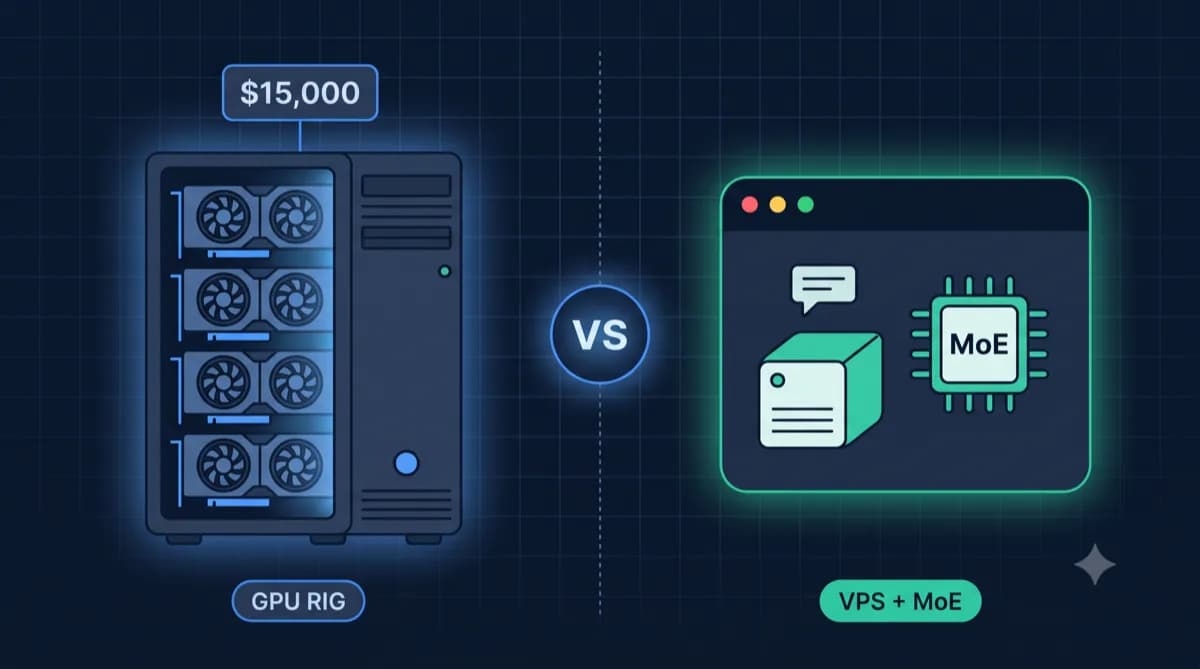
The alternative: A VPS with 4 GB RAM costs from €4.99/month. It runs faster-whisper – an optimized version of OpenAI's Whisper that runs 4x faster with the same quality. No API limits, no per-minute costs, full data control.
In this guide, you'll install faster-whisper on your own server. Afterward, you'll have: transcription in 100+ languages, SRT/VTT subtitles at the click of a button, and audio files that never leave your network.
Which VPS for Whisper?
Our calculator shows you the right server for your transcription volume.
Whisper VPS CalculatorWhat is Whisper / faster-whisper?
Whisper is OpenAI's open-source speech-to-text model. It understands 100+ languages, recognizes speakers, adds punctuation – and it's free.
faster-whisper is a community optimization that uses CTranslate2. Result:
| Original Whisper | faster-whisper | |
|---|---|---|
| Speed | 1x (Baseline) | 4x faster |
| RAM Usage | High | 50% less |
| Quality | Identical | Identical |
| GPU Support | Yes | Yes |
| CPU-only | Slow | Usable |
Conclusion: For self-hosting on CPU servers, faster-whisper is the only sensible option.
Why Self-Host Whisper?
- Cost: Fixed costs from €4.99/month instead of $0.006/minute (= $36/month for 100h audio)
- Privacy: Interviews, meetings, confidential conversations stay with you (GDPR compliant)
- No Limits: Transcribe unlimited – at night, on weekends, whenever you want
- Offline Capable: Once installed, no internet dependency
Prerequisites
Before we start, you need:
- VPS with at least 4 GB RAM (for Small model). Don't have one? Servers from €4.99/month →
- Ubuntu 22.04 or 24.04 (Debian works too)
- SSH access to the server
- Domain (optional, for web interface with HTTPS)
Model Requirements
| Model | RAM (CPU) | Quality | Speed |
|---|---|---|---|
| Tiny | 2 GB | Acceptable | Very fast |
| Base | 2 GB | Good | Fast |
| Small | 4 GB | Very good for English | Medium |
| Medium | 8 GB | Excellent | Slow |
| Large-v3 | 12+ GB | Best | Very slow |
Recommendation: The small model offers the best balance. Large-v3 is only worth it for difficult accents or specialized vocabulary.
Looking for a Server for Whisper?
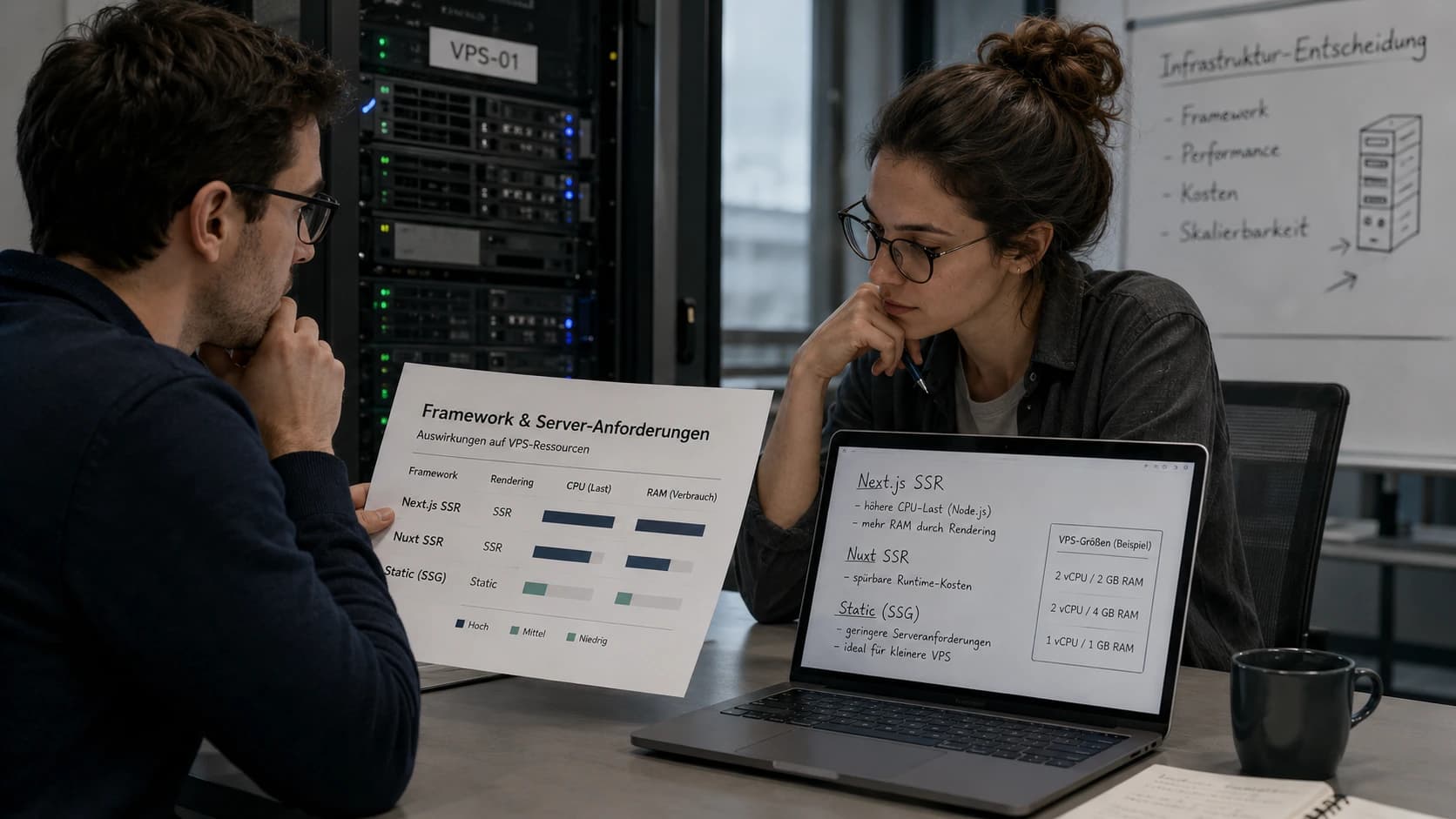
For the Small model, you need 4 GB RAM. For Medium or parallel transcription: 8 GB.
Servers with 4+ GB RAMStep 1: Prepare Server
Connect via SSH and update the system:
ssh root@your-server-ip
apt update && apt upgrade -y
Install Docker:
curl -fsSL https://get.docker.com | sh
apt install docker-compose-plugin -y
Step 2: Whisper with Web Interface (Recommended)
For most users, a web interface is most practical. We'll use Whishper – a complete solution with faster-whisper, upload interface, and automatic subtitle generation.
2.1 Docker Compose Setup
Create a folder and the configuration:
mkdir -p /opt/whisper && cd /opt/whisper
nano docker-compose.yml
Contents:
version: "3"

services:
  whishper:
    image: pluja/whishper:latest
    restart: unless-stopped
    ports:
      - "5000:80"
    environment:
      # Model: tiny, base, small, medium, large-v3
      - WHISPER_MODEL=small
      # Language: de, en, auto (auto-detect)
      - WHISPER_LANG=en
      # Performance: int8 for CPU, float16 for GPU
      - COMPUTE_TYPE=int8
    volumes:
      - whisper_data:/app/data
      - whisper_models:/root/.cache/huggingface

volumes:
  whisper_data:
  whisper_models:
2.2 Start
docker compose up -d
The first start downloads the model (~500 MB for Small) – this takes 2-5 minutes.
2.3 Test
Open http://your-server-ip:5000 in your browser. You'll see an upload interface:
- Upload audio or video file
- Choose language (or Auto-Detect)
- Choose output format (TXT, SRT, VTT, JSON)
- Click "Transcribe"
Note: On CPU, transcription takes about 1x real-time (1h audio = 1h processing) with the Small model.
Alternative: CLI for Automation
If you want to automate transcription (e.g., automatically process new files), the CLI version is better suited.
faster-whisper CLI with Docker
# Transcribe audio file
docker run --rm -v $(pwd):/data \
  fedirz/faster-whisper-xxl \
  --model small \
  --language en \
  --output_format srt \
  /data/podcast.mp3

# Output: podcast.srt in current folder
Batch Processing Script
For multiple files:
#!/bin/bash
# transcribe-all.sh

INPUT_DIR="/data/audio"
OUTPUT_DIR="/data/transcripts"

for file in "$INPUT_DIR"/*.mp3; do
  filename=$(basename "$file" .mp3)
  docker run --rm \
    -v "$INPUT_DIR":/input \
    -v "$OUTPUT_DIR":/output \
    fedirz/faster-whisper-xxl \
    --model small \
    --language en \
    --output_format srt \
    --output_dir /output \
    "/input/$(basename $file)"
  echo "Done: $filename"
done
Step 3: Reverse Proxy with HTTPS
For secure external access, we'll set up Caddy as a reverse proxy:
apt install -y caddy
/etc/caddy/Caddyfile:
whisper.your-domain.com {
    reverse_proxy localhost:5000
}
systemctl reload caddy
Caddy automatically obtains a Let's Encrypt certificate. Your Whisper interface is now accessible at https://whisper.your-domain.com.
Performance Optimization
Choosing the Right compute_type
The most important performance parameter for CPU servers:
| compute_type | Speed | Quality | RAM |
|---|---|---|---|
| float32 | Slow | Best | High |
| float16 | Medium | Very good | Medium |
| int8 | Fast | Good | Low |
| int8_float16 | Medium | Very good | Medium |
For CPU-only servers, always use int8! The quality differences are minimal, the speed 2-3x higher.
Parallel Processing
With sufficient RAM, you can transcribe multiple files in parallel:
# In docker-compose.yml
services:
  whishper:
    # ...
    deploy:
      resources:
        limits:
          cpus: '4'
          memory: 8G
Enable VAD (Voice Activity Detection)
VAD skips silence and speeds up transcription by 20-40%:
environment:
  - VAD_FILTER=true
Automation with n8n
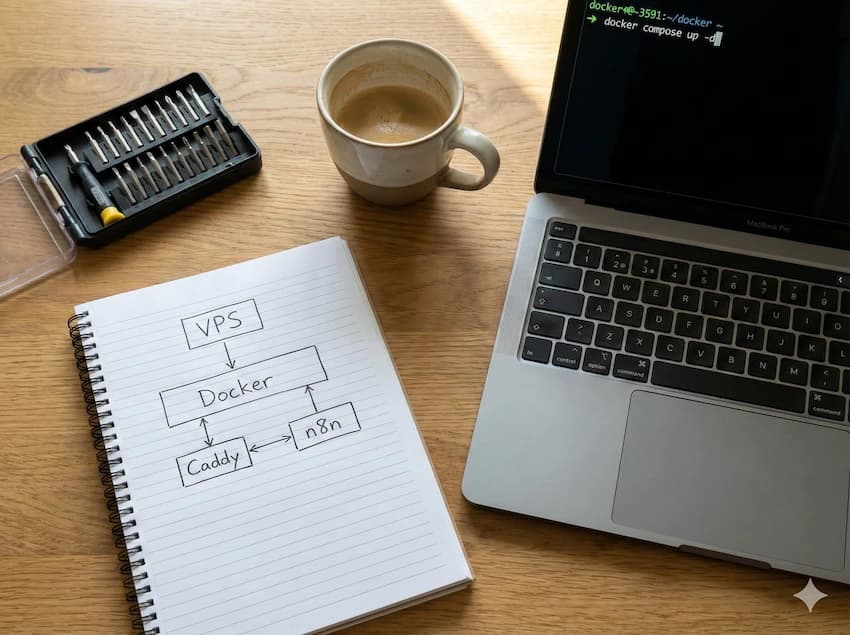
The combination of Whisper and n8n enables powerful workflows. Here's an example:
Workflow: Audio via Email → Transcript Back
- Trigger: Receive email with audio attachment
- HTTP Request: Send audio to Whisper API
- Wait: Wait for transcription
- Send Email: Return transcript as attachment
In n8n:
[Email Trigger] → [HTTP Request to Whisper] → [Send Email with Transcript]
Whisper API Endpoint (when Whishper is running):
POST http://localhost:5000/api/transcribe
Content-Type: multipart/form-data

file: [audio-file]
language: en
output_format: txt
More on n8n self-hosting: n8n Self-Hosting Guide →
Combining Whisper with Other Tools
Whisper + Ollama = Voice-to-LLM
Combine transcription with AI analysis:
- Transcribe audio with Whisper
- Send transcript to Ollama
- Generate summary, analysis, or response
Use Case: Record meeting → Transcribe → Extract action items
Whisper + Paperless = Audio Archive
Transcribe voice memos and archive them in Paperless-ngx:
- Record voice message
- Transcribe with Whisper
- Store as searchable document in Paperless
Cost Comparison: Self-Hosting vs. Cloud
| Service | Cost for 10h Audio/Month | Cost for 100h Audio/Month |
|---|---|---|
| OpenAI Whisper API | €3.60 | €36 |
| Assembly AI | €6.50 | €65 |
| Otter.ai Pro | €10 (Subscription) | €10 (Subscription) |
| Self-Hosting | €4.99 (VPS) | €4.99 (VPS) |
Break-Even: From ~14h transcription per month, self-hosting is cheaper than OpenAI. Plus: No data sharing with third parties.
Common Problems
Transcription is Very Slow
- Check compute_type: Use
int8instead offloat32 - Reduce model size:
smallinstead ofmedium - Enable VAD: Skips silence
Out of Memory Error
The model is too large for your RAM:
RuntimeError: CUDA out of memory
# or
Killed (OOM)
Solution: Use smaller model or upgrade VPS.
Poor Quality with English Texts
- Set language explicitly:
--language eninstead of Auto-Detect - Larger model:
smallinstead oftiny - Use prompt: For specialized vocabulary, set an initial prompt
Docker Container Won't Start
# Check logs
docker compose logs -f

# Restart
docker compose down && docker compose up -d
Conclusion
You now have your own transcription server with faster-whisper. Your audio data stays with you, you pay no per-minute API fees, and can transcribe unlimited.
For Podcasters: Automatic show notes and subtitles for every episode.
For Content Creators: YouTube subtitles in minutes instead of hours.
For Privacy-Conscious: Interviews and meetings without cloud upload.
Next Step: Combine Whisper with Ollama for AI analysis or n8n for automation.
Frequently Asked Questions
How long does transcription take on CPU?
Which model is best for English podcasts?
Can Whisper distinguish speakers?
Do I need a GPU for Whisper?
How much storage space do I need?
More Self-Hosting Guides


Find the Right VPS for Whisper
Use our calculator to find the optimal server for your transcription requirements.
Whisper VPS Calculator