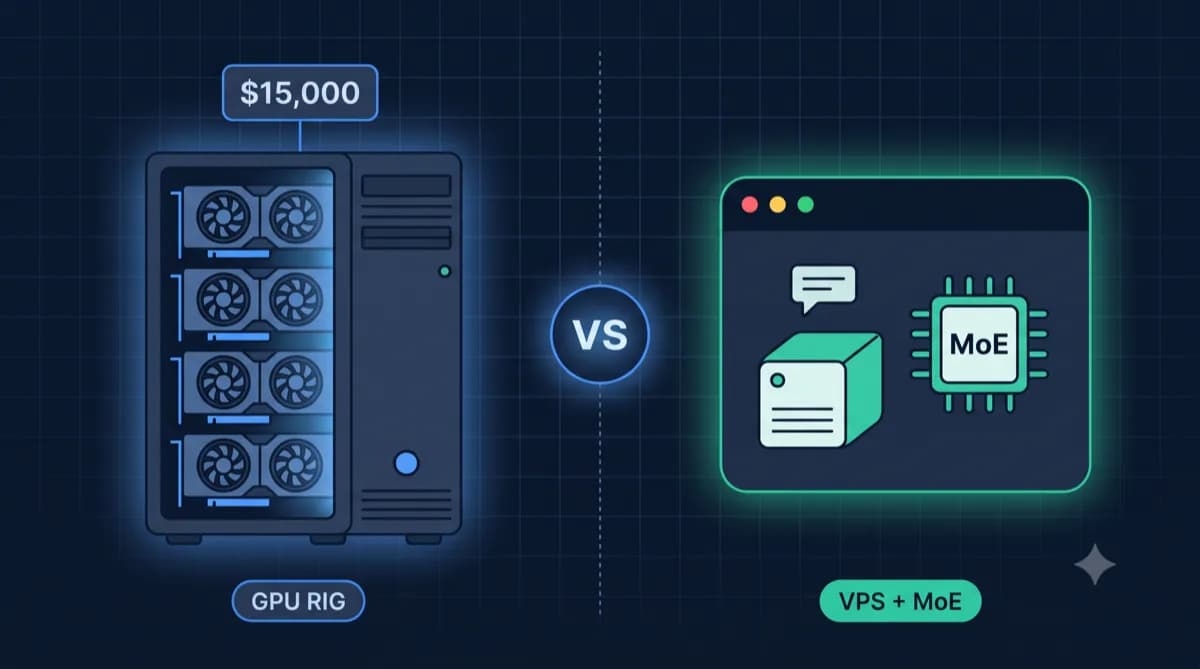
GitHub costs $4/seat for private repos with Actions. With 10 developers, that's $40/month. GitLab self-hosted? Unlimited users, unlimited CI/CD minutes, full data control – for the price of a VPS.
The trick: With the right AI prompts (Claude, ChatGPT) you save hours on setup. Instead of reading documentation: Copy prompt, insert server details, execute finished commands.
This guide shows you GitLab CE installation with Docker – including copy-paste AI prompts for every step.
Hardware Requirements
GitLab is resource-hungry. The official recommendation: 4 GB RAM minimum, 8 GB for productive use.
| Team Size | RAM | CPU | Storage | Use Case |
|---|---|---|---|---|
| Small (1-10 users) | 4 GB | 2 vCPU | 50 GB | Hobby projects, small teams |
| Medium (10-50 users) | 8 GB | 4 vCPU | 100 GB | Startups, agencies |
| Large (50-100+ users) | 16 GB | 8 vCPU | 200+ GB | Enterprises, many repos |
Tip: GitLab needs a lot of RAM for Sidekiq (background jobs) and Gitaly (Git operations). Better more RAM than more CPU.
Looking for a server for GitLab?
Our calculator determines your requirements based on team size and CI/CD usage.
GitLab Server CalculatorStep 1: Prepare Server
Here comes the first AI prompt. Copy it, replace the placeholders, and have a finished setup script generated:
Manual Basic Preparation
If you want to do it yourself:
# Update system
apt update && apt upgrade -y

# Configure firewall
ufw allow 22/tcp   # SSH
ufw allow 80/tcp   # HTTP
ufw allow 443/tcp  # HTTPS
ufw enable

# Install Docker
curl -fsSL https://get.docker.com | sh
apt install docker-compose-plugin -y
Step 2: GitLab with Docker Compose
Create directory and configuration:
mkdir -p /opt/gitlab && cd /opt/gitlab
nano docker-compose.yml
Docker Compose configuration:
version: '3.8'

services:
  gitlab:
    image: gitlab/gitlab-ce:latest
    container_name: gitlab
    restart: always
    hostname: 'gitlab.yourdomain.com'
    environment:
      GITLAB_OMNIBUS_CONFIG: |
        external_url 'https://gitlab.yourdomain.com'
        gitlab_rails['gitlab_shell_ssh_port'] = 2222
        # Resource optimization for small VPS
        puma['worker_processes'] = 2
        sidekiq['concurrency'] = 10
    ports:
      - '80:80'
      - '443:443'
      - '2222:22'
    volumes:
      - gitlab_config:/etc/gitlab
      - gitlab_logs:/var/log/gitlab
      - gitlab_data:/var/opt/gitlab
    shm_size: '256m'

volumes:
  gitlab_config:
  gitlab_logs:
  gitlab_data:
Start:
docker compose up -d
Note: The first start takes 5-10 minutes. GitLab configures itself internally.
Step 3: First Login
After starting, read the initial root password:
docker exec -it gitlab grep 'Password:' /etc/gitlab/initial_root_password
Then in browser: https://gitlab.yourdomain.com
- Username:
root - Password: From the command above
Important: The initial password is deleted after 24 hours. Change it immediately under User Settings → Password.
Troubleshooting with AI
GitLab errors can be cryptic. This prompt helps with diagnosis:
Common Problems
Container won't start (OOM):
# Check RAM usage
docker stats gitlab
# Add swap if needed
fallocate -l 4G /swapfile && chmod 600 /swapfile
mkswap /swapfile && swapon /swapfile
502 Bad Gateway: GitLab needs time to start. Wait 5-10 minutes or check:
docker exec -it gitlab gitlab-ctl status
SSL certificate doesn't work: Let's Encrypt needs reachable ports 80/443. Check firewall!
CI/CD Pipeline Basics
GitLab CI/CD is one of the main reasons for self-hosting – unlimited pipeline minutes.
Install GitLab Runner
The runner executes your pipelines. Best in the same Docker network:
# Add to docker-compose.yml
  gitlab-runner:
    image: gitlab/gitlab-runner:latest
    container_name: gitlab-runner
    restart: always
    volumes:
      - /var/run/docker.sock:/var/run/docker.sock
      - gitlab_runner_config:/etc/gitlab-runner
Register runner:
docker exec -it gitlab-runner gitlab-runner register
Create First Pipeline
Have the AI generate a pipeline:
Example for a Node.js project:
stages:
  - build
  - test
  - deploy

build:
  stage: build
  image: node:20
  script:
    - npm ci
  cache:
    paths:
      - node_modules/

test:
  stage: test
  image: node:20
  script:
    - npm test
  dependencies:
    - build

deploy:
  stage: deploy
  image: alpine
  script:
    - apk add openssh-client
    - ssh user@server "cd /app && git pull && docker compose up -d --build"
  only:
    - main
Set Up Backup
Manual backup:
docker exec -t gitlab gitlab-backup create
Backup files are in /var/opt/gitlab/backups/ (in the container).
GitLab.com vs Self-Hosted
| Aspect | GitLab.com Free | GitLab Self-Hosted |
|---|---|---|
| Price | $0 (5 user limit) | VPS costs (~€10/month) |
| CI/CD Minutes | 400/month | Unlimited |
| Storage | 5 GB | VPS storage |
| Private Repos | Limited | Unlimited |
| Users | 5 (Free) | Unlimited |
| Data Location | US/EU Cloud | Your server |
| Updates | Automatic | Manual (docker pull) |
Conclusion: From 5 users or with GDPR requirements, self-hosting is worthwhile.
Conclusion
You now have your own GitLab server with:
- Unlimited users and repos
- CI/CD without minute limits
- Full data control
The AI workflow: For problems or new features – copy prompt, insert context, get solution. Saves hours of documentation research.
Costs: A VPS with 8 GB RAM costs ~€10/month. GitHub Team for 5 users: $19/month. The math is clear.
Frequently Asked Questions
How much RAM does GitLab really need?
Can I migrate from GitHub to GitLab?
How do I update GitLab?
GitLab vs Gitea – what's better for self-hosting?
More Self-Hosting Guides
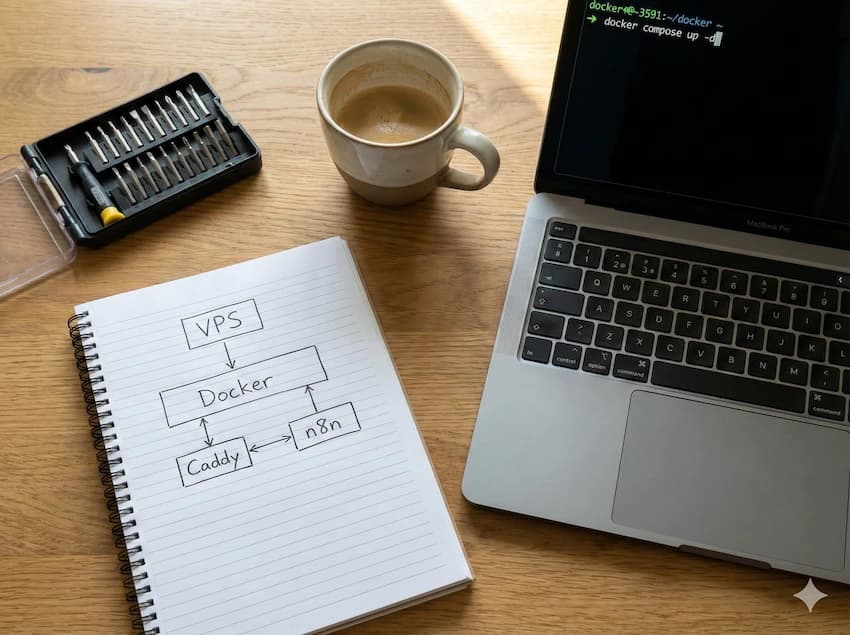
Find GitLab Server with Calculator
Calculate your requirements based on team size and CI/CD usage. Direct price comparison of all providers.
To GitLab Server Finder